
If you run a small print shop, you have probably watched the DTF trend with a mix of curiosity and skepticism. Maybe you have tried a sample pack, or maybe you are tired of weeding vinyl for hours. Either way, dtf transfers have earned a permanent spot in many shops, not because they are trendy, but because they solve real problems. This guide is not a sales pitch. It is a practical walkthrough based on the kind of mistakes and small wins that happen when you actually use dtf day to day.
What DTF Actually Is (and What It Is Not)
DTF stands for direct to film. A printer lays down water-based pigment inks onto a special PET film, then a powdered hot-melt adhesive is applied while the ink is still wet. The powder sticks to the ink, gets melted, and the result is a transfer that can be pressed onto cotton, polyester, blends, and even some nylon. It is not vinyl, it is not screen print, and it is not sublimation. Each of those has its place, but DTF fills a gap that used to be frustrating: full-color, short-run work on dark and light garments without setup fees or color matching.
What it is not: a magic bullet that works perfectly with zero learning curve. The variables are different from other decoration methods, and ignoring them leads to cracked prints, dull colors, or transfers that peel in the wash. The good news is that once you understand the variables, DTF is remarkably consistent.
File Setup That Saves You Headaches Later
Most DTF problems start in the design file, not at the press. Here is a simple setup routine that has saved me more time than any other habit.
Resolution and color mode
Design at 300 DPI at final print size. If you are scaling up a small image, check the effective resolution before you send it. For color, use RGB. DTF printers use CMYK plus white, but the RIP software handles the conversion, and RGB files generally produce more vibrant results. If you send CMYK, you may notice muddier reds and greens.
White underbase and trapping
DTF prints a white layer behind the color so the design shows up on dark shirts. Your RIP software usually generates this automatically, but you can control the choke or spread. A common mistake is making the white layer too thin, which causes the color to look washed out on dark garments. A small choke of 0.5 to 1 pixel is often enough to prevent a white halo around the edges.
Backgrounds and transparency
Remove any background. The film is transparent, but the printer will print white behind everything that is not transparent. If you leave a white background in the file, you will get a white rectangle around your design. Always double-check the transparency before you print.
Powder, Cure, and the Details That Matter
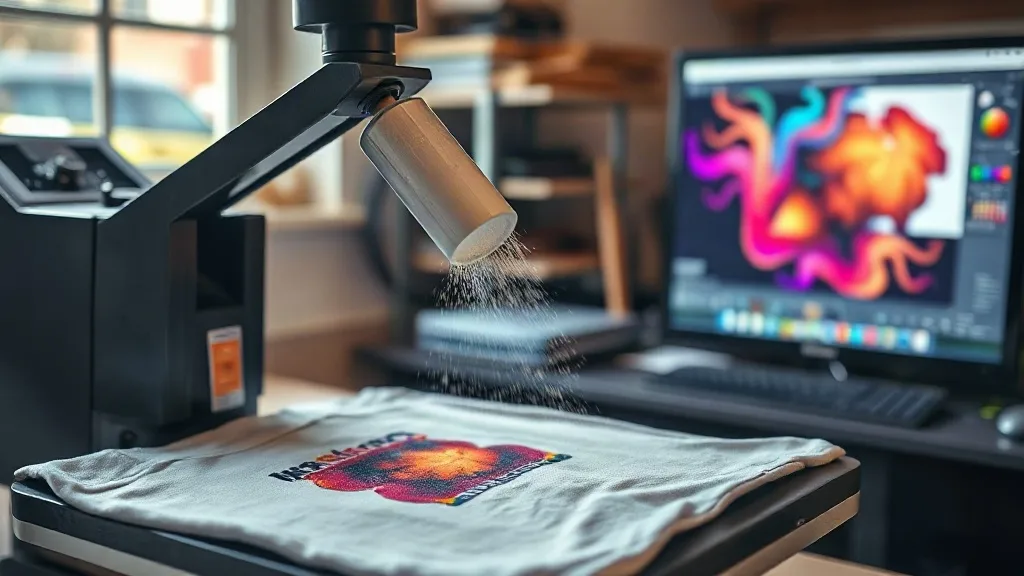
After printing, the film goes through a powder shaker. The powder is a hot-melt adhesive, and it needs to be applied evenly while the ink is still wet. In a small shop, you might be doing this by hand. Here is what works.
Shaking powder evenly
Use a dedicated powder shaker with a fine mesh. Hold the film at a slight angle and tap the shaker gently. You want a light, even coat. Too little powder and the transfer will not adhere properly; too much and you get a rough, plasticky feel. A good habit is to shake the film gently after powdering to remove excess, then check under good light for any shiny wet spots that need more powder.
Curing
Follow the powder manufacturer's recommended cure temperature and time. A common range is 160-170°C for 2-3 minutes in an oven, but small shops often use a heat press for curing. If you cure with a press, use low pressure and a protective sheet. The goal is to melt the powder into a smooth layer. Under-cured powder looks grainy and will wash out; over-cured film can become brittle and curl.
Pressing DTF Transfers: Settings and Technique
Pressing is where most people form their opinion about DTF. A bad press makes DTF seem unreliable. A good press makes it look easy. Start with these settings and adjust as needed.
Temperature and pressure
Set your press to 150-160°C (300-320°F). Use medium pressure. Too much pressure can cause the adhesive to bleed into the fabric, creating a stiff feel or a visible outline. Too little pressure and the transfer will not bond. A quick test: press a scrap piece and check the edges. If they lift, increase pressure slightly.
Peel and second press
Peel the film warm or cold, depending on the film type. Most DTF films are cold peel, but check the spec. After peeling, a second press for 5-10 seconds with a protective sheet helps smooth the print and improve wash durability. Do not skip this step.
Fabric considerations
DTF works on many fabrics, but not all. On heavily textured fabrics like rib knit or terry cloth, the transfer may not adhere evenly. Pre-press the garment for a few seconds to remove moisture and flatten the surface. For polyester, lower the temperature slightly to avoid dye migration, or use a low-bleed film.
When to Use DTF (and When Not To)
DTF is a strong choice for small runs, complex designs, and garments that are hard to screen print. It is also great for sample making and for shops that do not want to invest in screen setup. But it is not always the best option. For very large orders of simple one-color designs, screen printing is faster and cheaper per piece. For performance wear that needs maximum stretch, sublimation or specialized transfers may be better. Knowing the trade-offs helps you choose the right tool for each job.
If you are looking for local sourcing, you might search for dtf transfers near me to find a provider who can turn around small batches quickly. Building a relationship with a local printer can save on shipping time and give you a backup when your own equipment is down.
Troubleshooting Common DTF Problems
- Cracking after wash: Usually under-cured powder or too much pressure during pressing. Check cure time and reduce pressure.
- Dull colors on dark shirts: White layer too thin or not opaque enough. Increase white ink density or add a second white pass.
- Peeling edges: Insufficient pressure or pressing time. Also check that the garment was pre-pressed to remove moisture.
- Stiff feel: Too much powder or excessive pressure. Use less powder and medium pressure.
Frequently Asked Questions
How long do DTF transfers last in the wash?
With proper curing and pressing, a DTF transfer can last 50 washes or more. Wash inside out in cold water and avoid high heat in the dryer. Following the care instructions on the transfer provider's website helps.
Can I use DTF on 100% polyester?
Yes, but polyester can be sensitive to heat. Use a lower temperature (around 140-150°C) and a low-bleed film to prevent dye migration. Always test on a scrap piece first.
Do I need a special printer for DTF?
You need a DTF printer that uses DTF inks and a powder shaker and curing oven. Some shops convert inkjet printers, but dedicated DTF printers are more reliable for production. For small shops, outsourcing to a DTF transfer provider is a low-cost way to start.
What is the difference between DTF and DTG?
DTG prints directly onto the garment, while DTF prints onto a film that is then transferred. DTF works on more fabric types, including polyester and blends, and does not require pre-treatment. DTG often has a softer feel on cotton but can be less vibrant on dark colors.
Can I layer DTF transfers?
Yes, you can layer DTF transfers, but it is tricky. Press the first transfer, peel, then press the second on top. Use a protective sheet and lower pressure for the second press to avoid flattening the first layer. Layering is best for small accents, not large areas.