
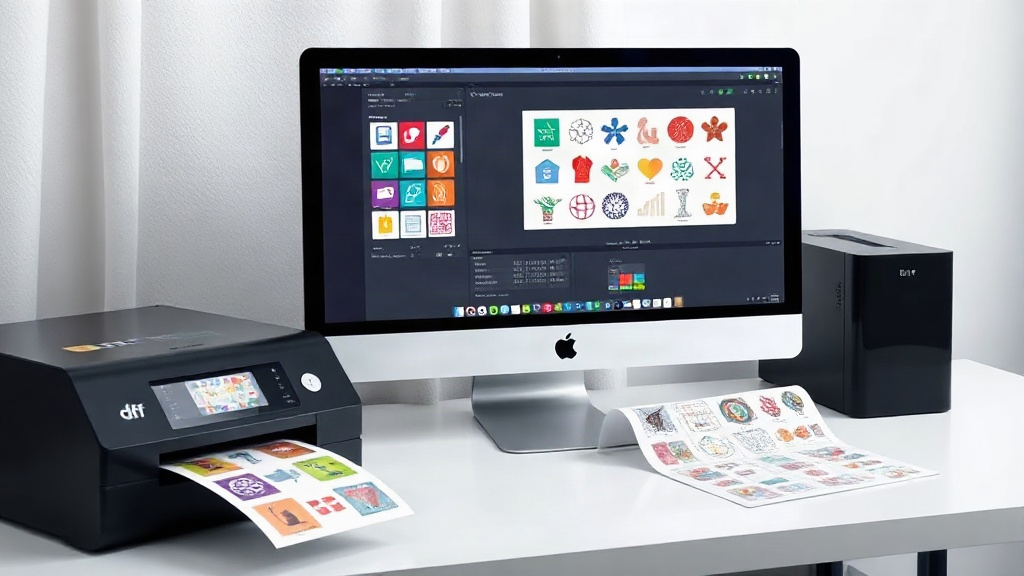
If you're in the custom apparel business, you've probably heard about DTF printing. It's a game-changer for transferring vibrant designs onto fabrics. But as your orders grow, managing individual transfers can become a logistical nightmare. That's where a DTF gangsheet builder comes in. This tool lets you arrange multiple designs on a single sheet, maximizing efficiency and cutting costs. In this guide, we'll dive deep into what a gangsheet builder is, why it's essential, and how to use it like a pro.
What is a DTF Gangsheet Builder?
A DTF gangsheet builder is software that helps you combine multiple DTF transfer designs into one large sheet. Instead of printing each design separately, you nest them together, leaving minimal wasted space. Think of it like a digital puzzle where you fit as many pieces as possible onto a single film. Once printed, you cut out each design and apply it to garments. This approach is not only cost-effective but also speeds up production, especially for orders with many small designs.
Why Use a Gangsheet Builder?
The primary reason is efficiency. DTF printing involves costs for film, powder, ink, and time. By grouping designs, you use less film and reduce setup time. For example, if you have 50 small logos to print, printing them individually would require 50 separate sheets and 50 passes through the printer. With a gangsheet, you might fit all 50 on just two or three sheets, slashing material and labor costs. Additionally, gangsheets ensure consistent quality because all designs go through the same printing and curing process.
Key Features to Look for in a DTF Gangsheet Builder
Not all gangsheet builders are created equal. When choosing one, consider these features:
- Auto-nesting: Automatically arranges designs to minimize waste.
- Drag-and-drop interface: Easy to use, even for beginners.
- Size customization: Set the sheet dimensions to match your printer's capabilities.
- Rotation and spacing: Manually adjust designs for perfect fit.
- Export options: Save as PDF or PNG with proper resolution.
- Integration: Works with popular design software like Photoshop or Illustrator.
Some advanced builders also offer features like bleed lines, cut marks, and color management. If you're running a business, investing in robust software pays off in the long run.
How to Use a DTF Gangsheet Builder: Step-by-Step
Using a gangsheet builder is straightforward once you get the hang of it. Here's a typical workflow:
- Prepare your designs: Ensure each design is high-resolution and has a transparent background. Save them as PNG or PDF files.
- Open the builder: Launch your chosen software. Set the sheet size according to your printer (e.g., 13x19 inches, 22x24 inches).
- Import designs: Drag and drop your files onto the canvas. You can add as many as you need.
- Arrange and nest: Use auto-nesting or manually position designs. Rotate them to fill gaps. Leave a small margin between designs for cutting.
- Check for overlaps: Zoom in to ensure no design overlaps another, which could ruin the transfer.
- Export and print: Save the gangsheet as a high-resolution file (300 DPI recommended). Print it on DTF film using your DTF printer.
- Apply powder and cure: Follow your standard DTF process: apply hot melt powder, shake off excess, and cure with a heat press or oven.
With practice, you'll be able to create gangsheets in minutes, even for complex orders.
Benefits of Using a DTF Gangsheet Builder
Switching to gangsheets can transform your production. Here's why:
- Cost savings: Less film, less powder, less ink, and less time mean more profit per order.
- Speed: Print multiple designs in one pass, reducing printer wear and tear.
- Consistency: All designs undergo identical conditions, ensuring uniform quality.
- Scalability: Easily handle large orders without multiplying your workload.
- Organization: Keep track of designs and orders more efficiently.
For small businesses, these benefits can be the difference between breaking even and thriving.
Common Mistakes to Avoid with DTF Gangsheets
Even seasoned pros make mistakes. Watch out for these pitfalls:
- Insufficient spacing: Designs too close together can bleed or be hard to cut.
- Low-resolution images: They'll look pixelated when printed. Always use 300 DPI.
- Forgetting cut lines: Without them, cutting is guesswork. Add subtle cut marks if your builder allows.
- Overcrowding: Don't sacrifice quality for quantity. Leave breathing room.
- Ignoring film orientation: Ensure designs are oriented correctly for the film's printable side.
Double-check your gangsheet before printing to avoid wasted materials.
Tips for Maximizing Efficiency with a DTF Gangsheet Builder
Want to get the most out of your gangsheets? Try these tips:
- Group similar sizes: Nesting works best when designs are of comparable dimensions.
- Use templates: Save common layouts for recurring orders.
- Batch by color: If your printer requires color changes, group designs with similar color profiles.
- Regularly update software: New features can improve nesting algorithms.
- Test print: Before a big run, print a small test gangsheet to check settings.
These practices will streamline your workflow and reduce errors.
Frequently Asked Questions
What is the ideal sheet size for a DTF gangsheet?
The ideal size depends on your printer's maximum print area. Common sizes are 13x19 inches (for desktop printers) and 22x24 inches (for larger formats). Choose the largest size your printer supports to maximize efficiency.
Can I use any DTF printer with a gangsheet builder?
Yes, most gangsheet builders are software-based and can export files compatible with any DTF printer. Just ensure the output format (PDF, PNG) matches your printer's requirements.
How do I ensure my gangsheet designs don't overlap?
Use the builder's spacing and alignment tools. Most software has a 'snap to grid' feature or auto-spacing that prevents overlaps. Always preview before printing.
Is a DTF gangsheet builder worth the investment?
Absolutely. If you print more than a few designs per week, the savings in materials and time will quickly outweigh the cost. Many builders offer free trials, so you can test before buying.
What file format should I use for gangsheet designs?
PNG with transparent background is ideal for DTF. Ensure the resolution is at least 300 DPI for crisp prints. Some builders also accept PDF or TIFF.
Mastering the DTF gangsheet builder is a smart move for any custom apparel business. It's not just about saving money; it's about working smarter. With the right tool and a bit of practice, you'll wonder how you ever managed without it. So go ahead, give it a try, and watch your productivity soar.